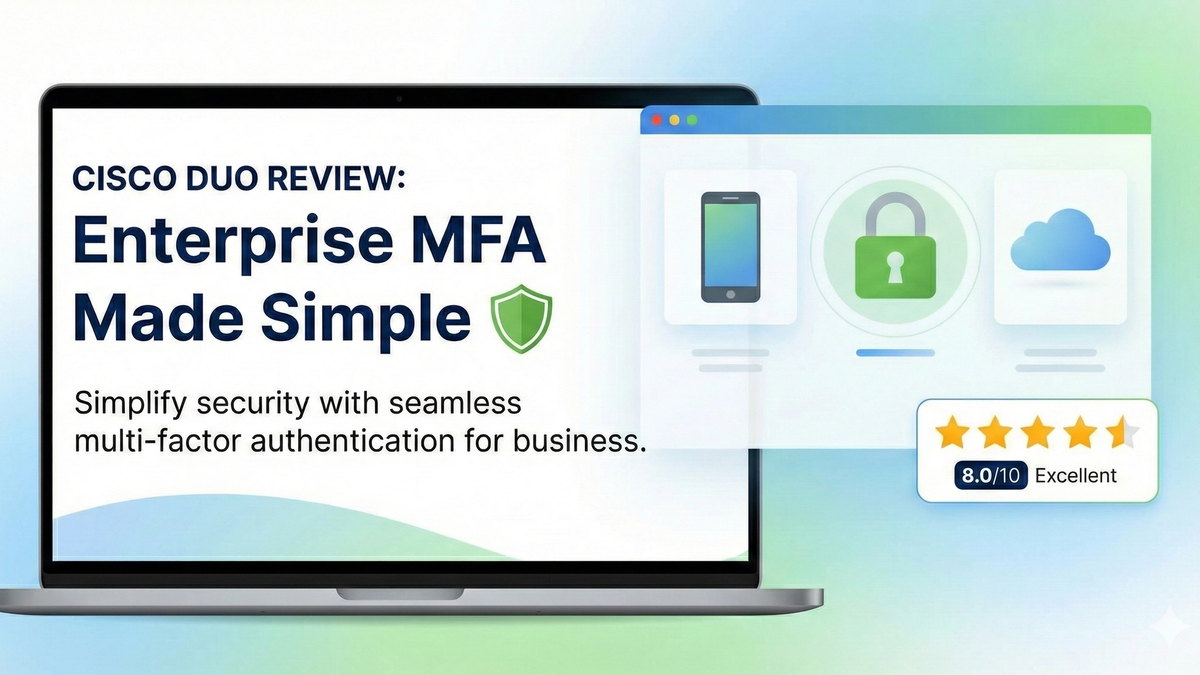
Cisco Duo Review: Enterprise MFA Made Simple
Cisco Duo delivers robust multi-factor authentication with one of the smoothest user experiences in the enterprise MFA space. While pricing can escalate quickly for larger teams, its device trust and adaptive policies make it a solid choice for security-conscious organizations.
Score Breakdown
The Bottom Line
Cisco Duo is one of the most polished enterprise MFA solutions available. After deploying it across multiple organizations over the past five years, I can confidently say it strikes the best balance between security and user experience. The push notification system is intuitive, the mobile app is reliable, and the device trust policies provide granular control without frustrating end users. However, the per-user pricing model can become expensive for larger teams, and some advanced features require the higher-tier plans.
What is Cisco Duo?
Multi-factor authentication (MFA) has become essential for any organization serious about security. Cisco Duo provides a cloud-based MFA platform that adds an additional layer of protection beyond passwords. When users log in, they receive a push notification on their phone, approve via the Duo Mobile app, and gain access. It's that simple.
Duo goes beyond basic MFA by incorporating device trust and adaptive authentication. It checks device health (OS version, disk encryptionEncryption🛡️The process of converting data into a coded format that can only be read with the correct decryption key., screen lock) before granting access, and can apply different policies based on user risk level, location, or device complianceDevice Compliance🛡️The state of a device meeting organizational security requirements such as encryption, up-to-date OS, and PIN configuration..
Setup & Deployment
Deployment is straightforward for IT admins. The admin panel provides clear documentation and integration guides for most common applications. I've rolled out Duo for VPN access, RDP connections, Microsoft 365Microsoft 365🌐Microsoft's subscription-based cloud productivity suite including Office applications, Exchange Online, SharePoint, and Teams., and custom web applications. Most integrations take 15-30 minutes to configure.
The biggest challenge is user enrollment. You'll need to plan for end-user training and support, especially for non-technical users. Duo provides enrollment guides and templates, but expect to field questions during the first week of rollout. Self-service enrollment works well for tech-savvy teams.
User Experience
This is where Duo truly shines. The push notification authentication flow is seamless: users enter their password, receive a push to their phone, tap "Approve," and they're in. The entire process takes 2-3 seconds. The Duo Mobile app is clean, fast, and works reliably on both iOS and Android.
For users who don't have their phone, Duo offers backup options: passcodes generated by the app (works offline), hardware tokens, SMS (if enabled), or phone callbacks. The "Remember Me" option reduces authentication prompts for trusted devices, which helps with adoption.
The only downside is offline authentication. While passcodes work, they're not as convenient as the push notifications, and there's no backup method if users lose their phone without having hardware tokens configured.
Admin Features & Device Trust
The admin dashboard is excellent. You get real-time visibility into authentication attempts, detailed logs, and customizable reports. The device trust policies are particularly powerful - you can require devices to have encryption enabled, be running a current OS version, and have a screen lock configured.
Adaptive authentication policies allow you to create rules based on risk factors: block logins from certain countries, require additional authentication for admin accounts, or step up security when users are off the corporate network. These policies are crucial for compliance-driven organizations.
Reporting is comprehensive. You can track authentication success rates, identify problematic integrations, and generate compliance reports. The API allows for custom integrations with SIEM systems.
Integrations
Duo integrates with virtually everything: VPN clients (Cisco AnyConnect, Palo Alto GlobalProtect, OpenVPNOpenVPN🔐An open-source VPN protocol widely considered secure and reliable, though slower than WireGuard.), RDP, SSH, Microsoft 365, Google Workspace, Salesforce, AWS, and hundreds of other cloud applications via SAML SSO.
For custom applications, Duo provides SDKs and APIs for web applications, Windows/Mac/Linux applications, and mobile apps. The documentation is thorough, and I've successfully integrated it with in-house web apps.
The only gap is offline/on-premises applications that can't reach Duo's cloud service. In those cases, you'll need to deploy the Duo Authentication Proxy on a local server.
Pricing Breakdown
Duo offers four tiers: Free (up to 10 users), Essentials ($3/user/month), Advantage ($6/user/month), and Premier ($9/user/month). The free tier is great for testing or very small teams, but lacks device trust and advanced policies.
Most organizations need Essentials at minimum, which includes device trust and basic policies. Advantage adds adaptive policies and more integrations. Premier includes all features plus advanced reporting and compliance tools.
The pricing can add up quickly. For a 100-user organization, you're looking at $300-900/month depending on the tier. SMS and phone callback authentication also cost extra (telephony credits). For small organizations, this is reasonable. For larger enterprises, it becomes a significant line item.
Who Is This For?
Cisco Duo is ideal for: SMBs that need enterprise-grade security without complexity, organizations with compliance requirements (HIPAA, SOC 2, PCI-DSS), and IT teams that want granular control over device trust and authentication policies.
It's less suitable for: Very large enterprises where per-user costs become prohibitive (consider Okta or Azure AD MFA), organizations with limited budget, or teams that primarily need offline authentication.
Comparison with Alternatives
Microsoft Authenticator is free with Microsoft 365 and works well if you're Microsoft-centric, but lacks Duo's device trust and cross-platform flexibility. Okta offers similar features but at a higher price point and with more complexity. Hardware tokens like YubiKeys provide stronger security but require physical distribution and have higher upfront costs.
Duo sits in the sweet spot: more capable than free solutions, easier to deploy than enterprise IAM platforms, and more flexible than hardware tokens.
Final Verdict
Cisco Duo is an excellent MFA solution that balances security, usability, and manageability. The user experience is best-in-class, the admin features are comprehensive, and the integrations cover most use cases. The pricing is the main drawback - it can become expensive as you scale. However, for organizations that value security and need an MFA solution that end users won't hate, Duo is hard to beat. I give it an 8.0/10 - a strong recommendation for SMBs to mid-sized enterprises.
The Verdict
What We Love
- Extremely user-friendly push notifications
- Excellent device health/trust policies
- Wide integration support (VPN, RDP, SSO, cloud apps)
- Clean admin dashboard with good reporting
- Reliable - rarely has outages
Room for Improvement
- Per-user pricing adds up fast for large orgs
- Some advanced features locked to higher tiers
- Limited offline authentication options
- Telephony (SMS/call) costs extra
Key Terms in This Review
Click any term to learn more in our glossary
Interested in Cisco Duo Review?
Check current pricing and availability
This is an affiliate link. I may earn a commission at no extra cost to you.
Learn the Basics
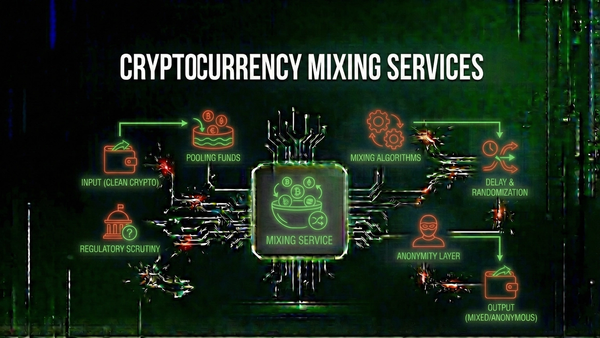
Cryptocurrency Mixing Services: How They Work and Why They Matter
Understand how cryptocurrency mixers and tumblers work, their legitimate privacy uses, and how they've been exploited for money laundering by criminals.
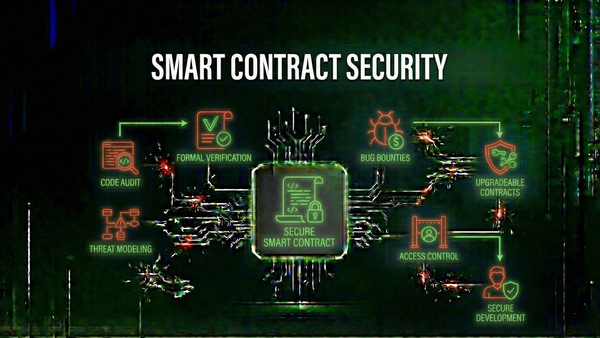
Smart Contract Security: Understanding Upgradeable Contracts and Their Risks
Explore how upgradeable smart contracts work, why they exist, and the security vulnerabilities they can introduce to blockchain protocols.
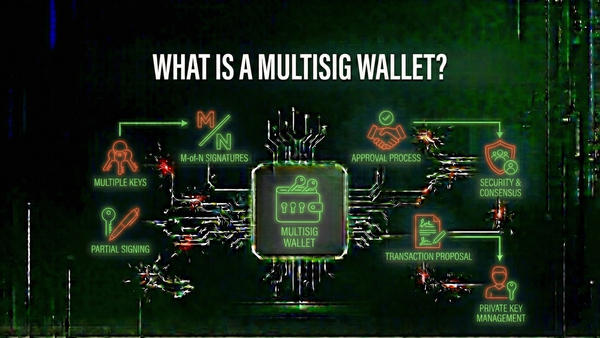
What is a Multisig Wallet? Understanding Multi-Signature Security
Learn how multisig wallets require multiple approvals for transactions, providing enhanced security for cryptocurrency holdings and organizational funds.