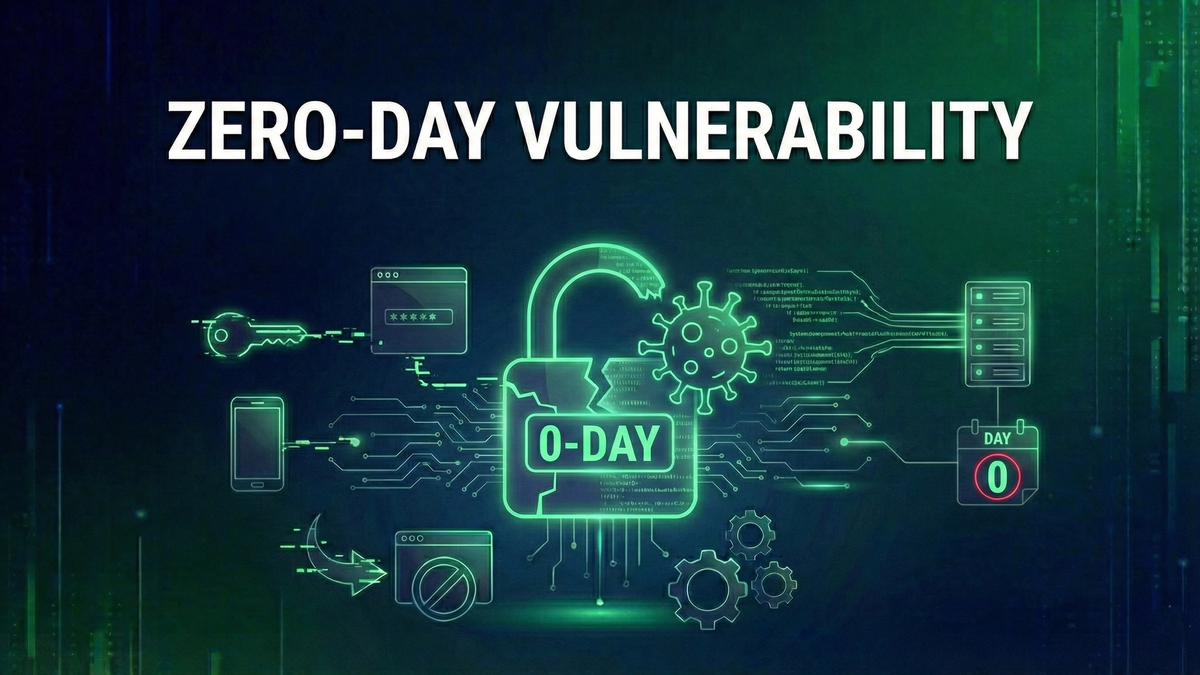
What is a Zero-Day Vulnerability? The Complete Guide to Zero-Day Threats
Zero-day vulnerabilities represent the most dangerous class of security threats—flaws being exploited by attackers while developers have zero days to prepare a fix.
On a Tuesday morning in December 2025, Microsoft released their monthly security updates. Among the 57 fixes was CVE-2025-62221—a vulnerabilityVulnerability🛡️A weakness in software, hardware, or processes that can be exploited by attackers to gain unauthorized access or cause harm. in the Windows Cloud Files Mini Filter Driver. What made this one different from the other 56? It was a zero-dayZero-Day🛡️A security vulnerability that is exploited or publicly disclosed before the software vendor can release a patchPatch🛡️A software update that fixes security vulnerabilities, bugs, or adds improvements to an existing program., giving developers 'zero days' to fix it.: attackers were already exploiting it in the wild, and until that Tuesday, there was no defense.
Zero-day vulnerabilities represent the most dangerous class of security threats. They're the unknown unknowns—flaws that exist in software you trust, being exploited by attackers while developers have zero days to prepare a fix. Understanding zero-days isn't just academic; it shapes how you approach security, patching, and risk management.
This guide covers everything you need to know about zero-day vulnerabilities: what they are, why they're so dangerous, how they're discovered and exploited, real-world examples, and most importantly, how to protect yourself despite the inherent uncertainty they represent.
What is a Zero-Day Vulnerability?
A zero-day vulnerability (also written as 0-day) is a security flaw that meets one of these criteria: it's actively exploitedActively Exploited🛡️A vulnerability that attackers are currently using in real-world attacks, requiring immediate patching regardless of severity score. by attackers before a patch exists, or it's publicly disclosed before the vendor can release a fix.
The term 'zero-day' refers to the number of days the software developer has had to fix the problem since becoming aware of it: zero. The clock starts when the vulnerability becomes known or exploited; until then, it was simply an undiscovered bug.
Terminology Clarification: Zero-Day Vulnerability is the flaw itself. Zero-Day ExploitExploit🛡️Code or technique that takes advantage of a vulnerability to cause unintended behavior, such as gaining unauthorized access. is the code or technique that triggers the flaw. Zero-Day Attack is an attack using the exploit. These terms are often used interchangeably, but technically, the vulnerability is the flaw, the exploit is the tool, and the attack is the action.
The Zero-Day Timeline
Understanding the lifecycle of a zero-day helps explain why they are so dangerous:
Phase 1: VULNERABILITY EXISTS (Unknown) — The flaw exists in the code. Nobody knows. This could persist for months or years. Risk is none because unknown means unexploited.
Phase 2: DISCOVERY — Someone finds the flaw. This could be a security researcher (ethical), criminal hacker (profit motive), nation-state team (espionage), or accidental discovery. Risk depends on the discoverer's intent.
Phase 3: WEAPONIZATION — The discoverer creates a working exploit. This requires skill—not all flaws are easily exploitable. Risk is escalating.
Phase 4: ZERO-DAY STATUS (The Danger Zone) — This is the critical period. Option A: Exploitation begins with attacks against targets. Option B: Disclosure without patch means the vulnerability becomes public knowledge and attackers race to create exploits. Option C: Responsible disclosure means the researcher tells vendor privately and vendor works on patch in secret. Risk is at MAXIMUM.
Phase 5: VENDOR RESPONSE — Vendor learns about the flaw and begins developing a patch. Duration varies: simple fixes take days, complex fixes take weeks, architectural issues take months. Risk is still high with no patch yet.
Phase 6: PATCH RELEASE — Vendor releases fix. The vulnerability is no longer technically a 'zero-day.' Risk transitions to known vulnerability.
Phase 7: PATCH ADOPTION — Users apply the patch. Often the most dangerous phase—attackers reverse-engineer the patch to find the flaw. Risk is high for unpatched systems.
Phase 8: LONG-TERM EXPLOITATION — Years later, unpatched systems remain. EternalBlue (2017) is still exploited in 2025. Risk is ongoing for laggards.
Why Zero-Days Are So Dangerous
1. No Signature-Based Detection
Traditional security tools rely on recognizing known threats. Antivirus software has signatures for known malware. Intrusion detection systems have rules for known attacks. Zero-days are, by definition, unknown—signatures don't exist yet.
2. Traditional Defenses Are Blind
Your firewallFirewall🌐Security system that monitors and controls network traffic based on predetermined rules. passes the traffic (it looks normal). Your antivirus doesn't flag it (no matching signature). Your IDS doesn't alert (no rule to match). The attack succeeds because your defenses weren't designed to stop something nobody knew existed.
3. Attacker Advantage
The period between first exploitation and patch availability is completely in the attacker's favor: targets are defenseless against the specific flaw, attackers choose when and where to strike, and victims often don't even know they're compromised.
4. High-Value Targets Attract Zero-Days
Zero-days are expensive—either to discover or to buy. Attackers typically reserve them for valuable targets: government agencies and military, defense contractors, critical infrastructure (power, water, financial), major corporations, and high-profile individuals (journalists, activists, executives).
5. Chain Reactions
A single zero-day in widely-used software can cascade. Log4Shell (CVE-2021-44228) affected millions of systems. Software libraries are embedded everywhere. Supply chain attacks multiply impact exponentially.
Real-World Zero-Day Examples
Understanding past zero-days helps contextualize the threat:
Log4Shell (CVE-2021-44228) — December 2021
What: Remote code execution in Apache Log4j logging library. CVSS: 10.0 (maximum severity). Scope: Millions of applications used Log4j without knowing it. Impact: One of the most widespread vulnerabilities ever. Notable: Exploitation began within hours of public disclosure. Lesson: Supply chain dependencies create hidden risk.
EternalBlue (CVE-2017-0144) — 2017
What: SMB protocol vulnerability in Windows. Origin: Developed by NSA, leaked by Shadow Brokers group. Impact: Enabled WannaCry ransomware (200,000+ systems in 150 countries). Notable: NSA knew about it for years, didn't tell Microsoft. Lesson: Even governments stockpile zero-days; leaks happen.
Pegasus Spyware (Multiple CVEs) — 2016-Present
What: Suite of iOS and Android zero-days. Developer: NSO Group (commercial spyware vendor). Targets: Journalists, activists, politicians, dissidents. Notable: 'Zero-click' exploits—no user interaction needed. Lesson: Commercial zero-day market enables surveillance.
Stuxnet (Multiple CVEs) — 2010
What: Multiple Windows zero-days used in combination. Target: Iranian nuclear centrifuges. Attribution: Widely attributed to US/Israel. Impact: Physically destroyed industrial equipment. Lesson: Zero-days enable nation-state cyber operations.
CVE-2025-62221 — December 2025
What: Windows Cloud Files Mini Filter Driver privilege escalationPrivilege Escalation🛡️An attack technique where an adversary gains elevated access rights beyond what was initially granted.. CVSS: 7.8. Status: Actively exploited before Patch Tuesday. Impact: Attackers could gain SYSTEM privileges. Lesson: Zero-days continue constantly; stay current on patches.
The Zero-Day Economy
Zero-days are commodities with real market value. Understanding this economy explains attacker motivations and defender challenges.
Legitimate Markets: Bug Bounties
Major vendors pay for vulnerability reports. Apple pays up to $2,000,000 for iOS zero-click kernel exploits. Google pays $250,000+ for Chrome and Android. Microsoft pays $250,000 for Azure and Windows. Meta pays $300,000 for account takeover vulnerabilities. Most major tech companies have programs.
Gray Markets: Vulnerability Brokers
Companies like Zerodium purchase zero-days and resell to government clients. Prices include: iOS Full Chain up to $2,500,000, Android Full Chain up to $2,500,000, Windows RCE up to $1,000,000, Chrome RCE up to $500,000, and WhatsApp RCE up to $1,500,000.
Black Markets
Criminal forums and dark web markets trade zero-days. Prices vary wildly based on target and reliability. Buyers include ransomware groups and criminal enterprises. Quality control is problematic (scams exist). Law enforcement infiltration is common.
Why Prices Are So High
A working iOS zero-click zero-day can be worth millions because: development requires extreme skill, testing must avoid detection, useful lifespan is limited (patches eventually happen), targets (intelligence agencies, governments) pay well, and supply is limited while demand is high.
How Zero-Days Are Discovered
Fuzzing
Automated tools bombard software with unexpected inputs: random data variations, boundary conditions, malformed files and packets. When software crashes or behaves unexpectedly, researchers investigate. Many zero-days are found this way.
Code Auditing
Manual or automated review of source code (when available). Static analysisStatic Analysis🛡️A malware analysis technique that examines code without executing it, using disassemblers and decompilers to understand program behavior and identify threats. tools identify patterns. Human review catches logic flaws. Open-source software is particularly scrutinized.
Reverse Engineering
Analyzing compiled software without source code through disassembly and decompilation, comparing patched vs. unpatched versions, and understanding how software actually works.
Variant Analysis
When one vulnerability is found, researchers look for similar patterns: same mistake in different functions, similar flaws in related products—'if they made this error here, where else?'
Protecting Against Zero-Days
Here's the uncomfortable truth: you cannot prevent zero-days from existing. You can only minimize exposure and limit damage when they're exploited.
Defense in DepthDefense in Depth🛡️A security strategy using multiple layers of protection so that if one layer fails, other layers continue to provide security.
No single layer stops everything. Multiple overlapping defenses ensure that if one fails, others continue protecting. Layers include: Perimeter (Firewall, WAF), Network (Segmentation, IDS/IPS), Endpoint (EDR, Antivirus), Application (Input validation, WAF), Data (EncryptionEncryption🛡️The process of converting data into a coded format that can only be read with the correct decryption key., DLP), and User (Training, MFA).
Behavioral Detection
Since signature-based detection fails against zero-days, focus on behavioral indicators: unusual process execution, unexpected network connections, privilege escalation attempts, and data exfiltrationData Exfiltration🛡️The unauthorized transfer of data from a computer or network, often performed by attackers before deploying ransomware to enable double extortion. patterns. Modern EDR (Endpoint Detection and Response) tools specialize in this.
Network Segmentation
Limit blast radius by segmenting networks. Compromised systems in one segment can't easily reach others. Critical assets are isolated from general population. Zero-trust principles apply: verify everything, trust nothing.
Least Privilege
Minimize what attackers can do post-compromise. Users shouldn't have admin rights for daily work. Service accounts should have minimal permissions. Remove unnecessary software and features.
Patch Rapidly
Zero-days eventually get patches. Your window of vulnerability depends on patch speed: internet-facing systems within 24-48 hours, critical systems within 1 week, standard systems within 30 days. Monitor CISA KEVCISA KEV🛡️The Known Exploited Vulnerabilities catalog maintained by CISA, listing vulnerabilities actively exploited in attacks that federal agencies must patch by specific deadlines. for mandatory action items.
Assume Breach
Plan for when (not if) something gets through. Have incident response plans ready. Test backups and keep them isolated. Have forensic capabilities available. Prepare communication plans.
For Individual Users
Keep Everything Updated
Enable automatic updates for: operating systems (Windows, macOS, iOS, Android), browsers (Chrome, Firefox, Safari, Edge), and applications (especially email, Office, PDF readers).
Use Supported Software
End-of-life software doesn't get zero-day patches. Windows 10 support ending? Upgrade to Windows 11. Old phone not getting updates? Consider replacement. Legacy applications? Plan migrations.
Enable MFA Everywhere
Multi-factor authentication limits damage even if credentials are compromised. Authentication apps are preferred over SMS. Hardware keys like YubiKey provide best protection for critical accounts. Never reuse passwords across sites.
Be Cautious
Many zero-days still require user interaction. Don't open unexpected attachments. Verify links before clicking. Be suspicious of urgency tactics.
The Future of Zero-Days
AI-Accelerated Discovery
Machine learning is finding vulnerabilities faster through automated fuzzing improvements, pattern recognition in code. Both attackers and defenders benefit from these advances.
Expanding Attack Surface
More software means more zero-days. Cloud services introduce new vulnerability classes. IoT devices are notoriously insecure. AI/ML systems present novel attack vectors. Supply chain complexity multiplies risk.
Commercial Spyware Proliferation
The market for government-grade spyware is expanding. More companies are developing zero-day capabilities. More governments are purchasing access. Abuse potential grows with availability.
Conclusion
Zero-day vulnerabilities represent the asymmetric advantage attackers hold over defenders. They exploit the fundamental reality that all software contains bugs, some bugs are security flaws, and some flaws remain unknown until someone with malicious intent discovers them.
Key takeaways:
When the next zero-day makes headlines, you'll understand why security professionals take them so seriously—and you'll know what actions actually protect you.
The clock starts at zero. Your response time determines your risk.
Keep Learning
Related Reviews
REOLINK 4K Security Camera System Review: Professional PoE Surveillance at DIY Prices
The REOLINK 4K PoE security system delivers 8MP clarity, smart person/vehicle detection, 24/7 recording with 4TB storage, and plug-and-play installation for comprehensive home surveillance.
Ring Outdoor Cam Pro Review: 4K Security Camera with Radar-Powered Motion Detection
The Ring Outdoor Cam Pro delivers Retinal 4K video, 10x enhanced zoom, Low-Light Sight for true color night vision, and radar-powered 3D motion detection for precise security alerts.
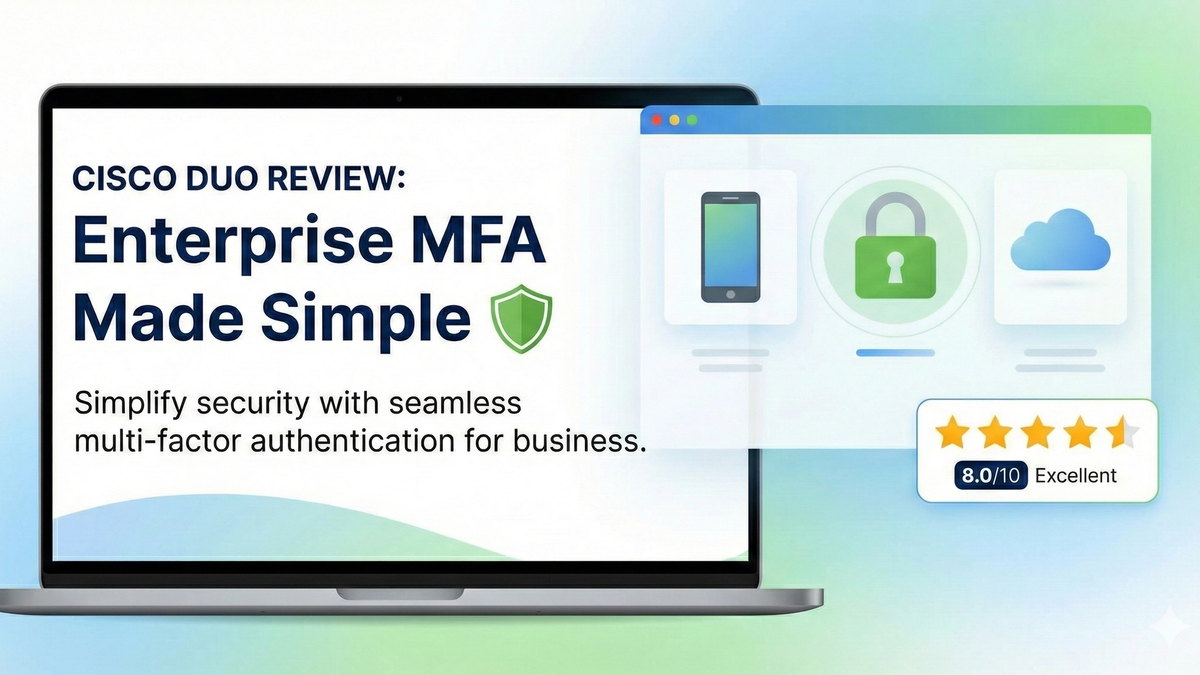
Cisco Duo Review: Enterprise MFA Made Simple
Cisco Duo delivers robust multi-factor authentication with one of the smoothest user experiences in the enterprise MFA space. While pricing can escalate quickly for larger teams, its device trust and adaptive policies make it a solid choice for security-conscious organizations.