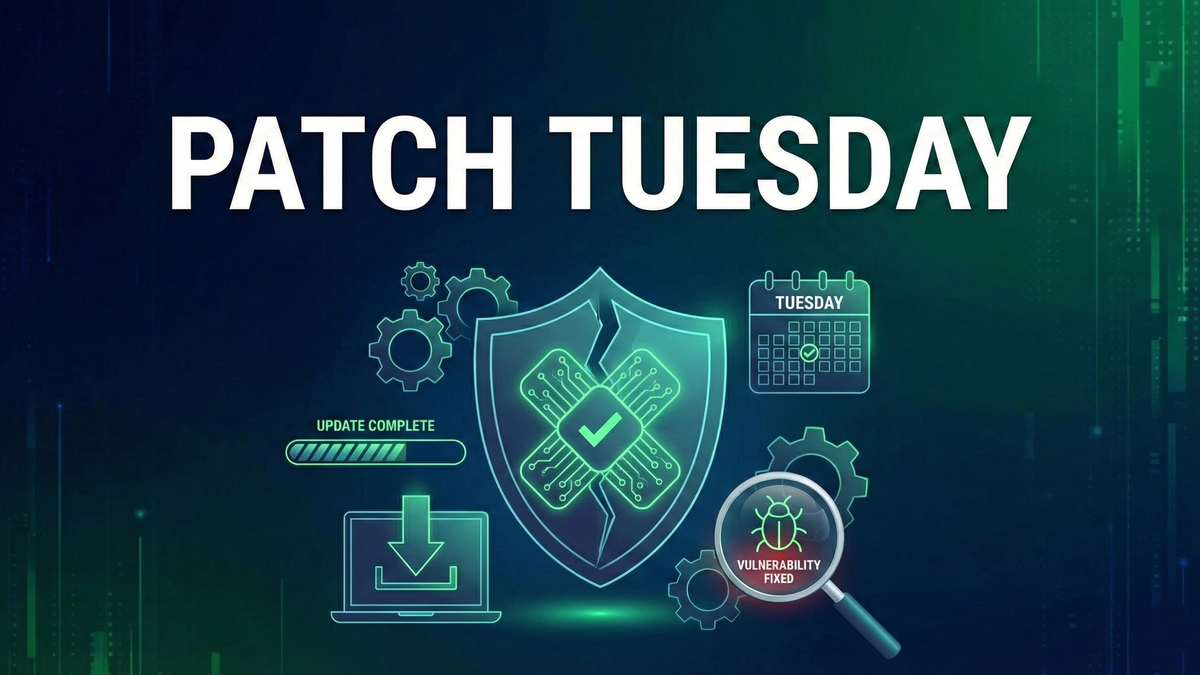
What is Patch Tuesday? The Complete Guide to Microsoft's Security Updates
Every second Tuesday, Microsoft releases security updates that can range from routine fixes to fire drills affecting millions.
Every second Tuesday of the month, a ritual plays out across IT departments worldwide. System administrators check their phones, security teams gather around dashboards, and the question echoes through Slack channels: "How bad is it this month?"
Welcome to PatchPatch🛡️A software update that fixes security vulnerabilities, bugs, or adds improvements to an existing program. Tuesday—Microsoft's monthly security update release that can range from a routine handful of fixes to a fire drill affecting millions of systems. Understanding Patch Tuesday isn't just for enterprise IT teams; home users, small business owners, and anyone who uses Windows needs to grasp why these updates matterMatter🏠A new universal smart home standard backed by Apple, Google, and Amazon for cross-platform compatibility. and how to handle them.
This guide explains everything you need to know: what Patch Tuesday is, why Microsoft created it, how to interpret the updates, and most importantly, how to stay protected without breaking your systems.
The History of Patch Tuesday
Before Patch Tuesday: Chaos
Prior to October 2003, Microsoft released security patches whenever they were ready—sometimes multiple times per week, sometimes with little warning. This created serious problems: IT teams couldn't plan maintenance windows, testing was impossible due to patch frequency, fatigue led to 'patch apathy,' and attackers had advantages from inconsistent release schedules.
The Birth of Patch Tuesday
In October 2003, Microsoft announced a new approach: security updates would be released on a predictable schedule—the second Tuesday of every month. The goals were straightforward: give administrators time to prepare, allow for testing before deployment, reduce the chaos of random releases, and create a rhythm the industry could rely on.
The name 'Patch Tuesday' was coined by the IT community. Microsoft officially calls it 'Update Tuesday' or simply their monthly security release, but the community's name stuck.
Why Tuesday?
Microsoft chose Tuesday for practical reasons: Monday recovery gives staff a day to handle weekend issues first, a full week ahead provides weekdays for testing and deployment, the 10 AM Pacific release gives global teams working hours to respond, and avoiding weekends means problems discovered can be addressed during the work week.
What Gets Released on Patch Tuesday
Each Patch Tuesday includes multiple types of updates that administrators need to understand and prioritize.
Security Updates (The Main Event)
These fix vulnerabilities that could be exploited by attackers. They're classified by severity: Critical (remote exploitation, no user interaction needed—immediate priority), Important (significant risk, may require user action—within days), Moderate (limited risk or unusual conditions required—within weeks), and Low (minimal impact—regular maintenance).
Quality Updates
Non-security fixes addressing application crashes, performance issues, hardware compatibility, and feature bugs. These are important but don't carry the same urgency as security updates.
Cumulative Updates
Modern Windows uses cumulative updates—each month's update contains all previous fixes. You can't skip months and just install the latest; the latest IS all previous months combined. This simplifies patching but means updates grow larger over time.
Out-of-Band Updates
Sometimes Microsoft releases emergency patches outside the normal schedule. These 'out-of-band' updates indicate active exploitation of a critical flaw, a widespread security emergency, or a problem too severe to wait. When you see an out-of-band updateOut-of-Band Update🛡️An emergency security patch released outside the normal update schedule to address critical vulnerabilities that can't wait for the next Patch Tuesday., treat it as highest priority.
Understanding Patch Tuesday Announcements
When Patch Tuesday arrives, you'll see announcements with specific terminology. Here's how to decode them.
CVE (Common Vulnerabilities and Exposures)
Each vulnerabilityVulnerability🛡️A weakness in software, hardware, or processes that can be exploited by attackers to gain unauthorized access or cause harm. gets a unique identifier in the format CVE-YYYY-NNNNN (e.g., CVE-2025-62221). This standardized naming is used industry-wide for tracking and communication, allowing everyone to discuss the same vulnerability unambiguously.
CVSS (Common Vulnerability Scoring System)
A 0.0-10.0 severity score where 9.0-10.0 is Critical, 7.0-8.9 is High, 4.0-6.9 is Medium, and 0.1-3.9 is Low. Higher scores indicate more severe vulnerabilities that should be prioritized for patching.
Exploitation Status
Microsoft indicates whether vulnerabilities are: Exploited (attackers are actively using this—HIGHEST PRIORITY), Publicly Disclosed (details are public, exploitExploit🛡️Code or technique that takes advantage of a vulnerability to cause unintended behavior, such as gaining unauthorized access. likely coming), Exploitation More Likely (high chance of exploitation), or Exploitation Less Likely (harder to exploit or less attractive target).
Zero-DayZero-Day🛡️A security vulnerability that is exploited or publicly disclosed before the software vendor can release a patch, giving developers 'zero days' to fix it.
A vulnerability that's exploited or disclosed before a patch exists. On Patch Tuesday, 'zero-day' means Microsoft is fixing something attackers already know about—these require immediate attention.
The Exploit Wednesday Problem
Here's an uncomfortable truth: Patch Tuesday is followed by 'Exploit Wednesday.'
The timeline goes like this: Tuesday 10 AM PT Microsoft releases patches. Tuesday 10:01 AM PT attackers begin downloading patches. Tuesday through Wednesday attackers reverse-engineer patches to find the vulnerabilities. Wednesday and beyond exploits emerge targeting unpatched systems.
Patches are essentially roadmaps to vulnerabilities. By comparing patched code to unpatched code, skilled attackers can identify exactly what was fixed and create exploits targeting that flaw.
The window between patch release and your systems being updated is your highest-risk period. Every hour you delay patching after Patch Tuesday, attackers gain ground. This is why the security community emphasizes rapid patching—especially for internet-facing systems, critical infrastructure, systems handling sensitive data, and zero-day vulnerabilities.
Patch Tuesday by the Numbers
To understand the scale of Patch Tuesday:
Monthly volume averages 50-100 vulnerabilities per month. Light months see 40-60 fixes, while heavy months can reach 150+ fixes (rare but happens). The 2025 record was October with 163 vulnerabilities.
Annual volume in 2025 reached approximately 1,150 vulnerabilities patched, with 2024 seeing 1,000+ vulnerabilities. The trend is increasing year over year as Microsoft's product portfolio grows.
Products covered include Windows (all supported versions), Microsoft Office, Exchange Server, Azure services, Microsoft Edge, SQL Server, .NET Framework, Visual Studio, Dynamics 365, and many more.
How to Handle Patch Tuesday: Home Users
For personal Windows systems, the approach is straightforward:
Enable Automatic Updates
In Windows 10/11, go to Settings → Update & Security → Windows Update. Ensure 'Automatic updates' is enabled and set active hours to avoid restarts during use.
Don't Postpone Indefinitely
Windows lets you delay updates, but maximum deferral is typically 5 weeks. Security updates should be applied within days, not weeks. Delaying zero-day fixes is particularly risky.
Restart When Prompted
Updates often require restarts to complete. Schedule restarts during convenient times, don't leave 'Restart pending' for days—pending updates may not fully protect you.
Check Update Status
Periodically verify you're current by going to Settings → Update & Security → Windows Update, clicking 'Check for updates,' and ensuring no updates are pending or failed.
How to Handle Patch Tuesday: IT Professionals
Enterprise patch management requires more rigor and process.
Pre-Patch Tuesday (The Week Before)
Review current status to ensure previous month's patches are deployed. Check system health to verify monitoring and backups are working. Prepare change windows by having maintenance slots ready. Alert stakeholders about the potential update timeline.
Patch Tuesday (Release Day)
Review the release in Microsoft's Security Update Guide. Identify priorities by noting zero-days and actively exploitedActively Exploited🛡️A vulnerability that attackers are currently using in real-world attacks, requiring immediate patching regardless of severity score. flaws. Assess applicability to determine which CVEs affect your environment. Download updates and stage patches for testing.
Post-Release (Testing Phase)
Lab testing deploys to non-production systems first. Application validation verifies critical apps still function. Pilot deployment rolls out to a small production group. Monitor for errors, crashes, or unexpected behavior throughout.
Production Deployment
Use staged rollout—deploy in waves, not all at once. Monitor closely for issues during deployment. Have rollback ready by knowing how to uninstall if needed. Document what was deployed and when for compliance and future reference.
Emergency Protocol (Zero-Days)
For actively exploited vulnerabilities: accelerate timeline by bypassing normal testing if risk warrants. Prioritize targets with internet-facing and critical systems first. Communicate urgency to ensure leadership understands the risk. Consider mitigations as temporary workarounds while patching.
Common Patch Tuesday Challenges
Challenge 1: Patches Break Things
It happens. Patches occasionally cause application compatibility issues, driver problems, performance degradation, or blue screens (rare but possible). Mitigation: test before production deployment, monitor early adopters for problems, have rollback procedures ready, and follow tech news for known issues.
Challenge 2: Too Many Systems, Too Little Time
Large environments can't patch everything instantly. Mitigation: prioritize by risk (internet-facing first), automate where possible (WSUS, SCCM, Intune), use maintenance windows efficiently, and accept that 100% immediate coverage isn't realistic.
Challenge 3: Legacy Systems
Older systems may not support modern patches or may be end-of-life. Mitigation: inventory EOL systems, isolate and segment legacy systems, plan migrations to supported platforms, and consider Extended Security Updates (ESU) where available.
Challenge 4: Remote/Mobile Workers
Users not on corporate networks are harder to patch. Mitigation: use cloud management (Intune, etc.), require VPN for unpatched devices, provide user education on update importance, and implement compliance checking before network access.
Patch Tuesday Tools and Resources
Windows Server Update Services (WSUS)
Free Microsoft tool for managing updates internally. Download patches once and distribute internally, approve or decline specific updates, and report on compliance across your organization.
Microsoft Endpoint Configuration Manager (MECM/SCCM)
Enterprise-grade management providing sophisticated deployment scheduling, compliance reporting, and integration with other management functions.
Microsoft IntuneMicrosoft Intune🛡️Microsoft's cloud-based enterprise mobility management solution that provides MDM and MAM capabilities.
Cloud-based management ideal for remote workers, requiring no on-premises infrastructure. Works for both corporate and BYOD devices.
Official Resources
Microsoft Security Update Guide at msrc.microsoft.com/update-guide provides official vulnerability information. CISA's Known Exploited Vulnerabilities Catalog at cisa.gov/known-exploited-vulnerabilities-catalog tracks actively exploited flaws. SANS Internet Storm Center at isc.sans.edu provides analysis on release day.
Beyond Microsoft: Other Vendor Patch Schedules
Microsoft isn't alone in scheduled patching. Your environment likely includes more than Windows, so a complete patch management program must address all vendors.
Adobe releases patches on the second Tuesday (aligned with Microsoft). Oracle uses quarterly Critical Patch Updates in January, April, July, and October. SAP releases monthly Security Notes on the second Tuesday. Cisco varies with often bi-annual releases plus emergency updates. Apple releases as needed with no fixed schedule. Google Android publishes monthly security bulletins on the first Monday.
Patch Tuesday and Compliance
Many regulatory frameworks require timely patching:
PCI DSS (Payment Card Industry) requires critical patches within 30 days and other patches within 90 days.
HIPAA (Healthcare) requires 'reasonable and appropriate' patching with a risk-based approach.
SOC 2 requires patch management controls and evidence of timely updates.
NIST/CMMC (Government/Defense) defines specific patch timelines and requires continuous monitoring.
Cyber Insurance increasingly requires evidence of patch management, and claims may be denied if basic patching was neglected.
Conclusion
Patch Tuesday is the heartbeat of Windows security. Every month, Microsoft discloses what was broken and provides fixes. Every month, attackers get a roadmap to vulnerabilities in unpatched systems. The race begins at 10 AM Pacific on the second Tuesday, and your position in that race determines your risk.
Key takeaways:
The organizations that handle Patch Tuesday well treat it as routine—planned, resourced, and executed efficiently. The organizations that struggle treat it as a surprise every month. Don't be surprised. Be prepared.
Keep Learning
Related Reviews
REOLINK 4K Security Camera System Review: Professional PoE Surveillance at DIY Prices
The REOLINK 4K PoE security system delivers 8MP clarity, smart person/vehicle detection, 24/7 recording with 4TB storage, and plug-and-play installation for comprehensive home surveillance.
Ring Outdoor Cam Pro Review: 4K Security Camera with Radar-Powered Motion Detection
The Ring Outdoor Cam Pro delivers Retinal 4K video, 10x enhanced zoom, Low-Light Sight for true color night vision, and radar-powered 3D motion detection for precise security alerts.
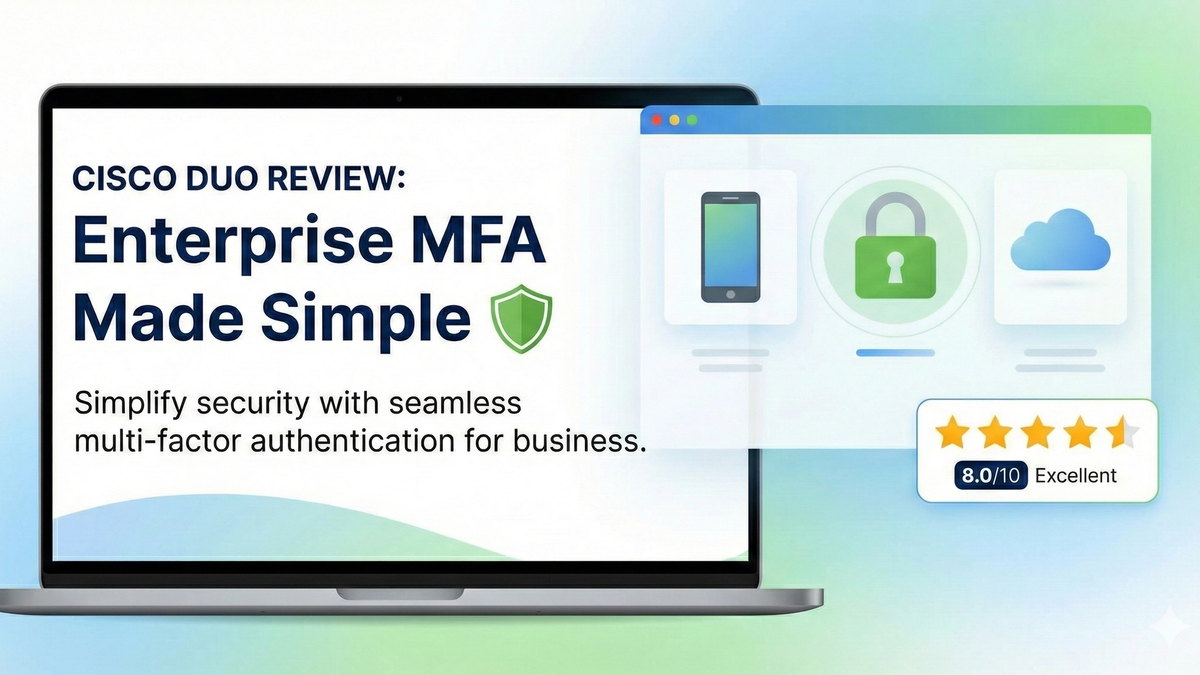
Cisco Duo Review: Enterprise MFA Made Simple
Cisco Duo delivers robust multi-factor authentication with one of the smoothest user experiences in the enterprise MFA space. While pricing can escalate quickly for larger teams, its device trust and adaptive policies make it a solid choice for security-conscious organizations.